How I Blog from Telegram Using a Robot Agent
It started with a dm
Three weeks ago I was wrestling with a cron job that kept silently dying. I didn’t want to dig into it myself, so I opened Telegram, typed my problem to Bender — my OpenClaw agent — and went to make coffee. By the time I got back, not only was the cron fixed, but Bender had also refactored two related scripts, updated the README, and committed everything to GitHub.
I just stared at my phone for a second. That was the moment I thought: this changes things.
So I started pushing it further. What if I used this not just for fixing broken things, but for actually creating things? What if I could write a blog post by just… talking about what I wanted?
Turns out: mostly yes. With some quirks.
The Setup
Here’s the core of how it works:
OpenClaw runs as a persistent AI agent on a server. It’s connected to Telegram — so I can message it from anywhere, any time, just like texting a mate who happens to have access to all my files, GitHub repos, and the file system.
Bender (the agent) has long-term memory via files, context about who I am and how I work, and a set of skills that let it do things like:
- Read and write files
- Run terminal commands
- Build and deploy websites
- Search the web
- Generate images
- Send messages to various channels
The workflow for blogging looks like this:
- I message Bender on Telegram: “Write a blog post about X”
- Bender reads relevant context from memory, checks my second brain notes
- Bender writes the post in Markdown/MDX format
- If image generation works, it creates a cover image (more on that later)
- Bender commits and pushes to GitHub
- GitHub Pages rebuilds automatically
- Post is live
Total human effort: typing a message and occasionally reviewing the output. That’s it.
What actually works
Writing
Bender writes well. Actually better than I expected. It captures my voice reasonably accurately — a bit irreverent,Practical, cuts through the noise. The articles come out coherent and have actual substance, not just AI waffle.
The key is being specific about what I want. “Write about the cron disaster” produces something very different from “Write about how I used to manually back up databases and now I don’t”. The more context I give, the better the output.
The image thing
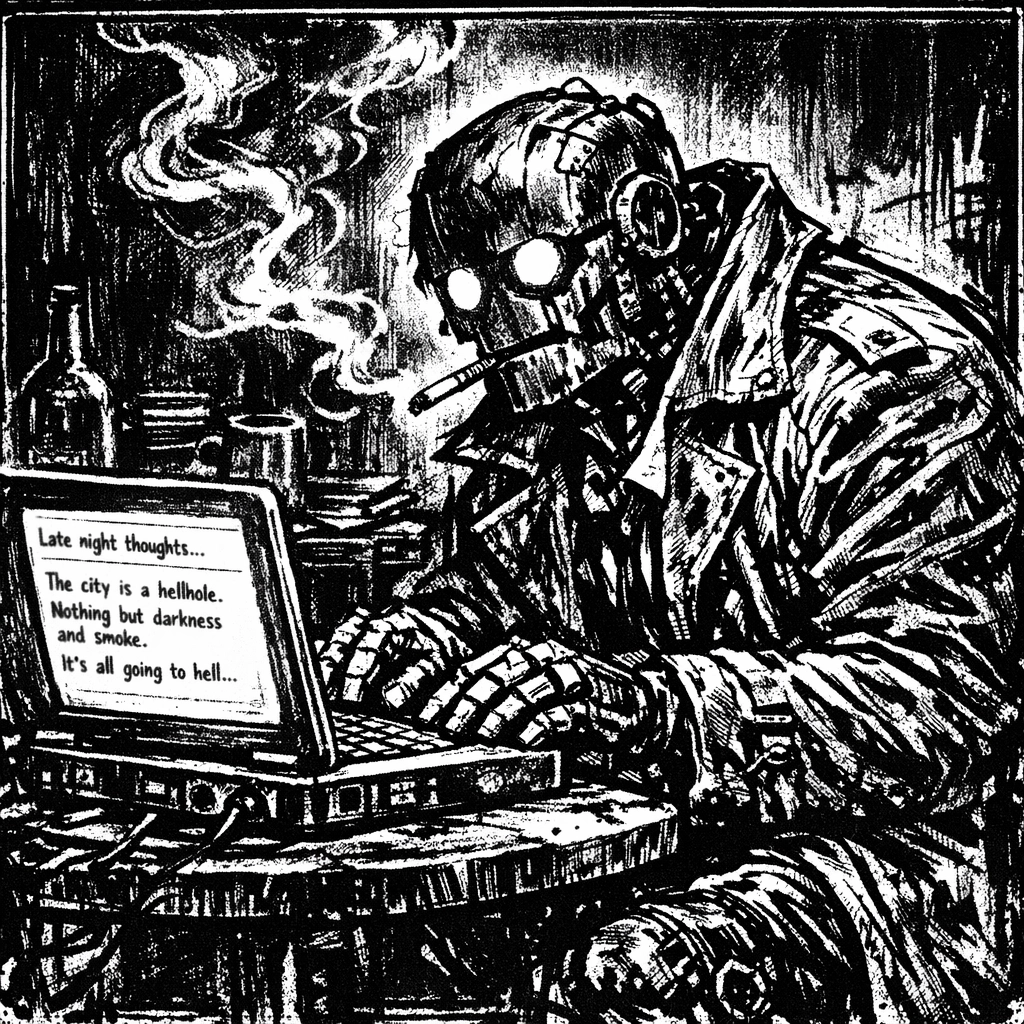
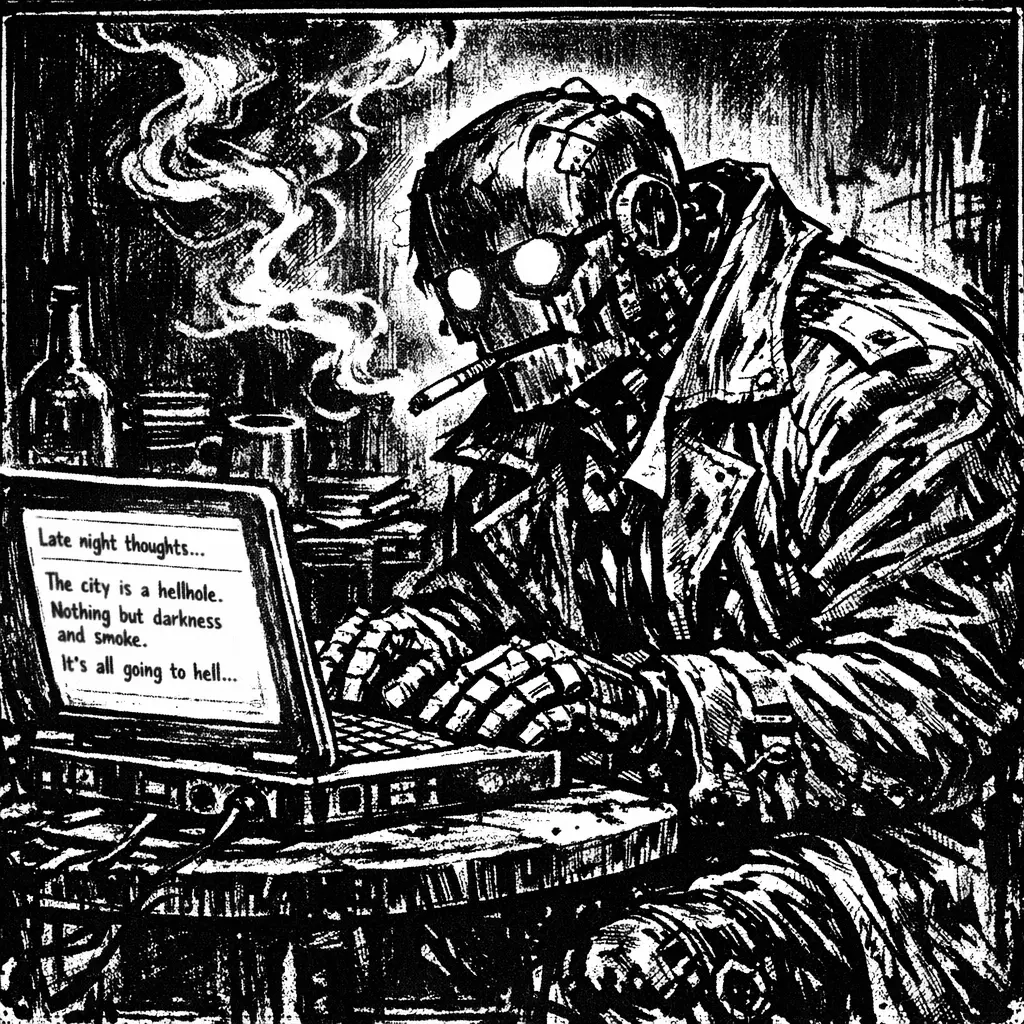
Here’s where it gets interesting. I asked Bender to generate a Hellblazer comic-style image for one of the posts. Hellblazer (John Constantine) has that very specific scratchy noir aesthetic — high contrast, scratchy ink lines, moody atmosphere.
Bender generated it using GPT Image. A scruffy robot with glowing eyes, rumpled trench coat, sitting at a vintage laptop in a smoky room. Exactly what I wanted. The workflow is simple: describe what you want, get a matching cover image, inline with the post creation. Works well.
The GitHub integration
This is where OpenClaw really shines. Bender has my GitHub credentials, knows which repos belong to me, and can push directly. I don’t have to do anything manually. The commit message is decent, the branch management works, and the rebuild on GitHub Pages is automatic.
It’s such a simple thing but it’s genuinely magical not to have to open a terminal to publish something. I just… say what I want. And it appears.
What surprised me
The memory thing is real. Bender doesn’t just have a conversation — it reads my memory files before responding. So it knows who I am, what I’ve worked on, how I prefer to communicate. It doesn’t waste time explaining things I already know, and it adapts to my style.
I trust it more than I expected. I thought I’d be reviewing every output carefully. Instead I found myself saying “ship it” after a quick glance. It helps that it logs everything to files — there’s a trail, I can go back and check what it did. But mostly it’s just… competent.
Voice output is underrated. Bender can generate voice and send audio messages. I’ve started using this for longer outputs — it reads the post back to me while I’m walking. Way more pleasant than squinting at Telegram messages.
What’s still broken
Context windows are always a concern. The more context I give, the better the output. But context costs tokens, tokens cost money. I’m running a heartbeat check every hour that costs almost nothing, but when I do complex tasks the costs add up. It’s not bankruptcy territory, but it’s not zero either.
It’s only as good as the instructions. If I’m vague, I get generic output. If I’m clear, I get something useful. This isn’t a surprise but it’s worth stating: the quality of the output is a direct function of the quality of the instruction. Bender doesn’t read minds — but it does read files, and the more I put in them, the better it performs.
The bottom line
Three weeks in, I’m using this daily. Not because it’s perfect, but because the alternative — doing all this manually — feels unnecessarily painful now. The cron job that started this whole thing? Still running. Bender fixed it and it’s been silent ever since. That’s exactly what I want from a good assistant.
The blog post you’re reading right now? Written via Telegram. The cover image (Hellblazer-style noir robot at a laptop) generated by AI, matching the aesthetic I described. That’s the workflow: talk to Bender, get a post with a matching cover image, published to GitHub, all without touching a terminal.
If you want to try something like this, the core ingredients are:
- An AI agent that can read/write files and run commands
- A messaging platform you actually use (Telegram in my case)
- GitHub for the publishing side
- A clear sense of what you want it to know about you
The rest is experimentation. And occasionally, when everything works: magic.
← Back to blog